

To integrate Olly with your Coralogix environment, you’ll need:Documentation Index
Fetch the complete documentation index at: https://docs.olly.new/llms.txt
Use this file to discover all available pages before exploring further.
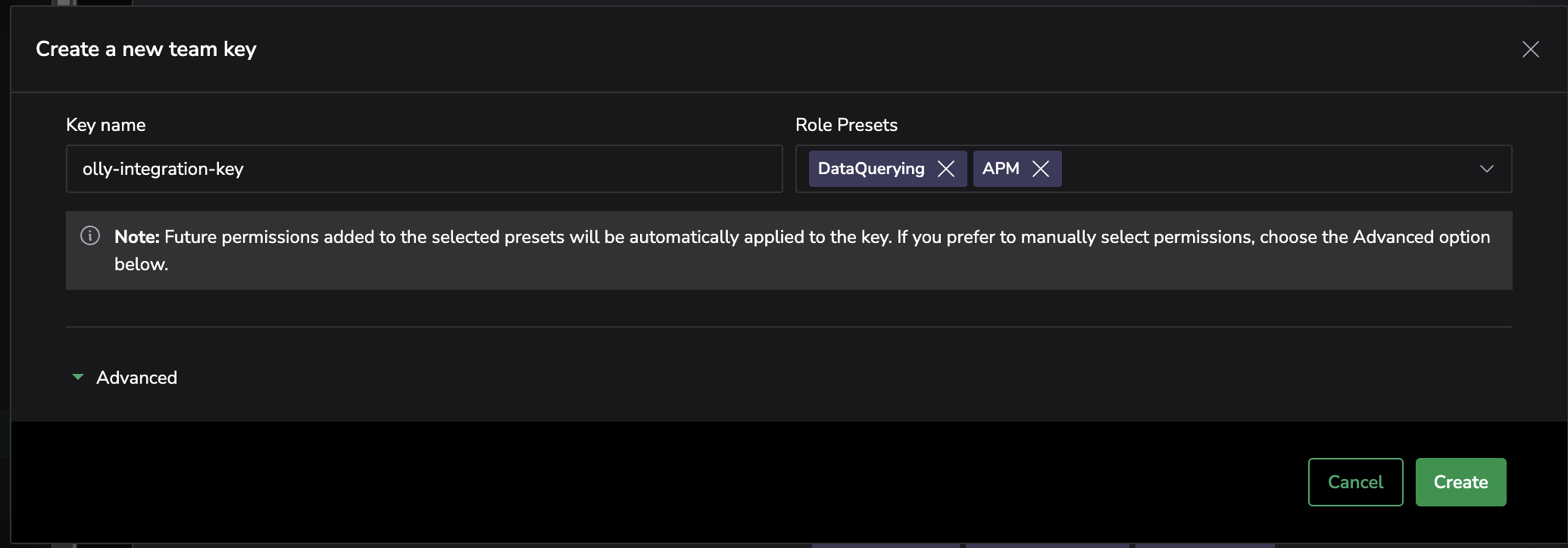
- A Coralogix Team API key with the following configurations:
DataQueryingrole.APMrole - advanced permissionsService MapIncidentsrole presetSLOrole presetDashboardsrole preset
- The API key must be created by a Coralogix user with full data access permissions.
- The user account that creates the key should be free of any data scope restrictions.