

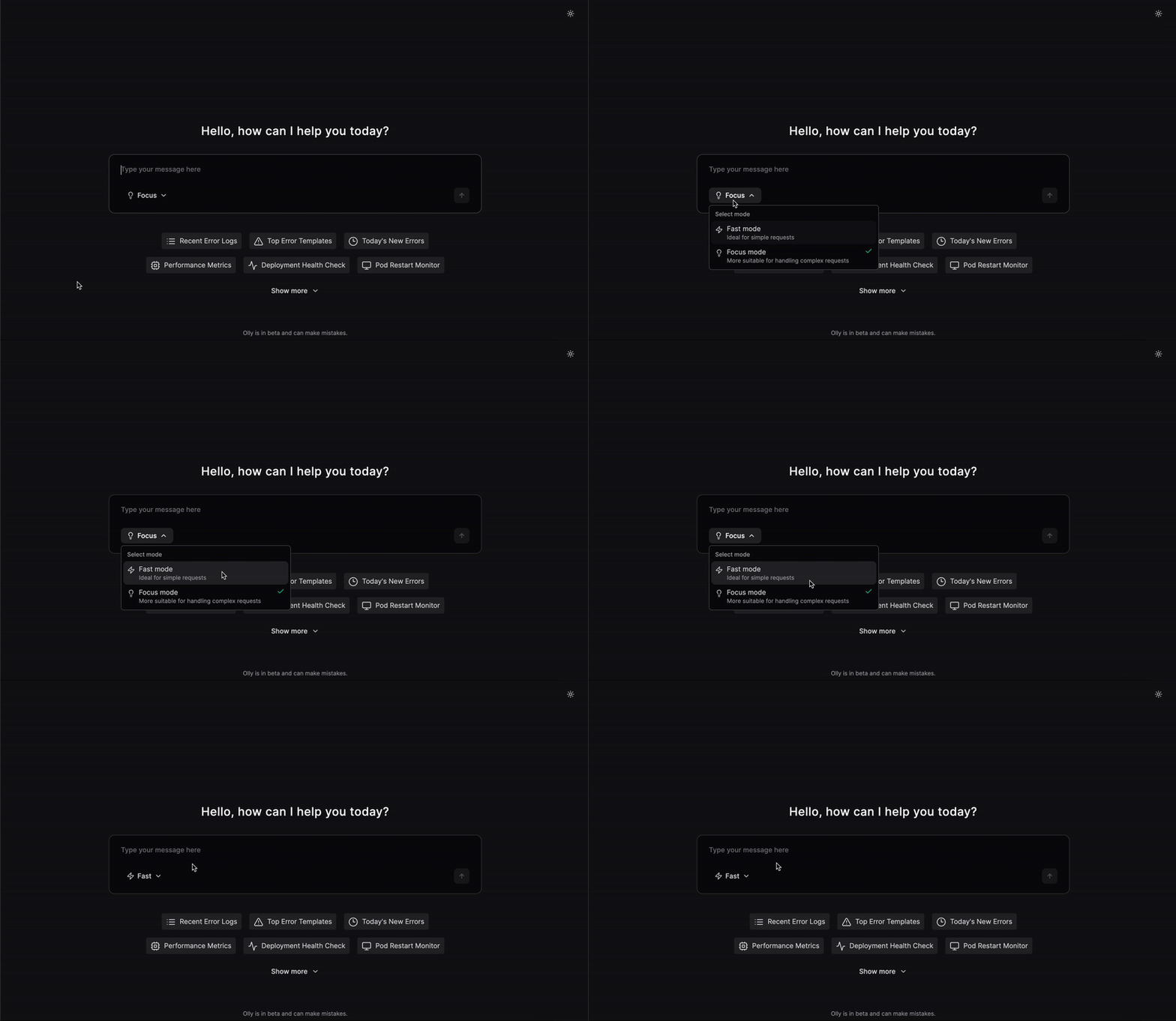
When interacting with Olly, you can choose how Olly answers your questions by selecting a mode before sending your prompt. Each mode is optimized for a different type of task, balancing speed and depth of reasoning. You can change the mode at any time while chatting with Olly.Documentation Index
Fetch the complete documentation index at: https://docs.olly.new/llms.txt
Use this file to discover all available pages before exploring further.
Supported modes
Olly currently supports two modes:- Fast mode: optimized for speed and simplicity.
- Focus mode: optimized for deeper reasoning and investigation.
Fast mode
Fast mode is designed for quick responses and lightweight tasks.- Model used: GPT-5 mini
- Best for:
- Simple questions
- Quick lookups
- Basic data queries
- Characteristics:
- Very fast response time
- Simplified reasoning optimized for speed
- “Show error rate for checkout service in the last hour”
- “What is the current CPU usage of node-3?”
- “List alerts fired in the last 10 minutes”
Focus mode (default)
Focus mode is Olly’s default and most powerful mode.- Model used: GPT-5.1
- Best for:
- Complex investigations
- Root-cause analysis
- Exploratory observability questions
- Characteristics:
- Deeper analysis and reasoning
- Takes longer to respond than Fast mode
- Uses multiple specialized sub-agents, each acting as an expert in a specific domain (for example, logs agent).
- “Why did latency spike after the last deployment?”
- “Investigate the root cause of intermittent 5xx errors”
- “Correlate error logs with recent infrastructure changes”