

Overview
The GitHub integration allows Olly to use code context when answering questions, running investigations, and performing root cause analysis. By connecting your repositories, Olly can link logs, errors, and alerts directly to the relevant code, highlighting the exact files and lines involved and guiding you toward the right fix.Why integrate GitHub?
Enabling GitHub helps Olly move investigations to source code:- Reduce manual debugging by tracing errors and anomalies directly to code.
- Speed up investigations and RCA with file- and line-level context.
- Understand what changed and why an issue started.
- Get targeted, actionable fix suggestions instead of high-level explanations.
Example questions Olly can answer
- “Where in the code does this log/error originate?”
- “Show me what changed before this spike.”
- “Which lines are responsible for this issue and how do I fix it?”
- “What’s causing the latency increase in my checkout service?”
- “What’s the root cause of this anomaly?”
- “Why did error rates spike between 10–11 AM?”
Setup requirements
To enable the GitHub integration:- You must be an Olly organization admin to enable or disable the integration in Olly.
-
The GitHub app must be installed in your GitHub organization by either:
- A GitHub organization owner, or
- A user who is an admin of at least one repository in the organization (or when the organization has at least one public repository).
- It is recommended that a GitHub organization owner perform the installation of the Olly app in GitHub. If you are not a GitHub organization admin, you can still initiate the installation. For more details, see the installation instructions below.
Currently, Olly supports one GitHub integration per organization.
Admin control and access
- If an admin disables the GitHub integration, all GitHub data sources connected by users in the organization are immediately unavailable.
- Users will no longer be able to use GitHub data sources in chat until the integration is re-enabled.
Install the GitHub integration
Installing the GitHub integration authorizes the Olly app in your GitHub organization. This allows Olly to access the repositories and permissions required to use code context during investigations and root cause analysis.- Go to Connections → Integrations → GitHub.
- Toggle to Enable.
- Complete the GitHub authentication flow.
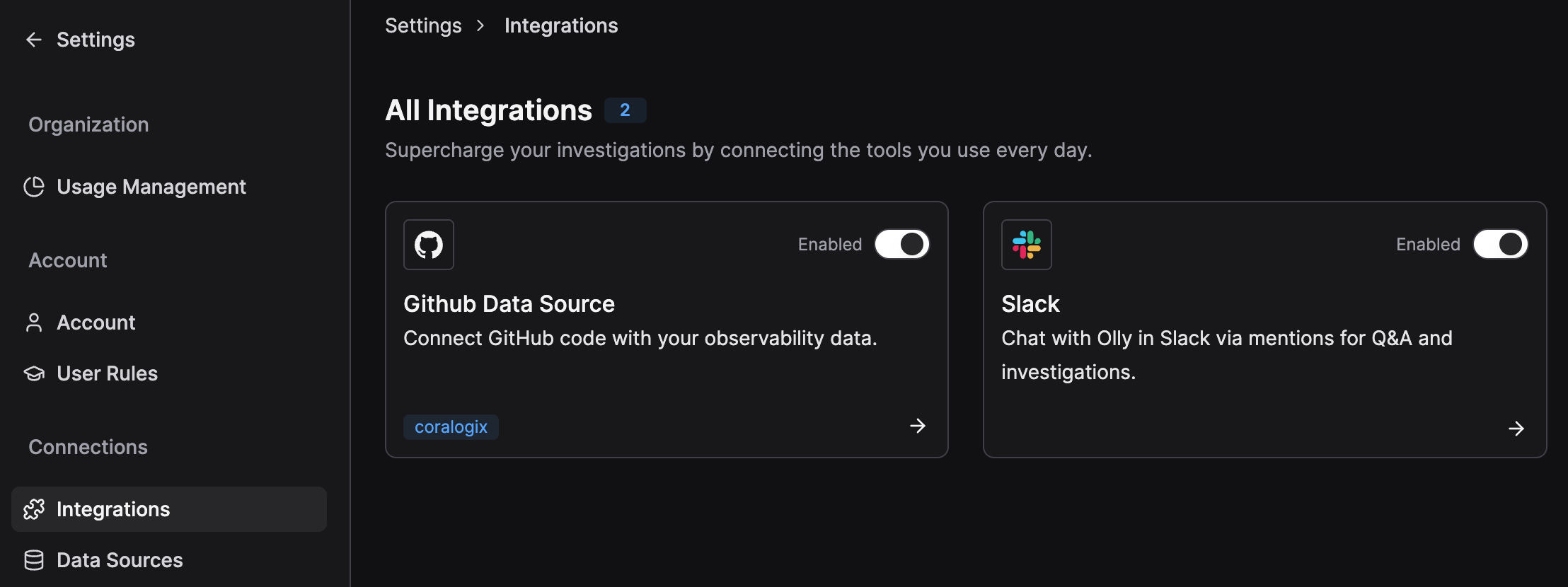
Enabling the integration is available only for Olly organization admins.
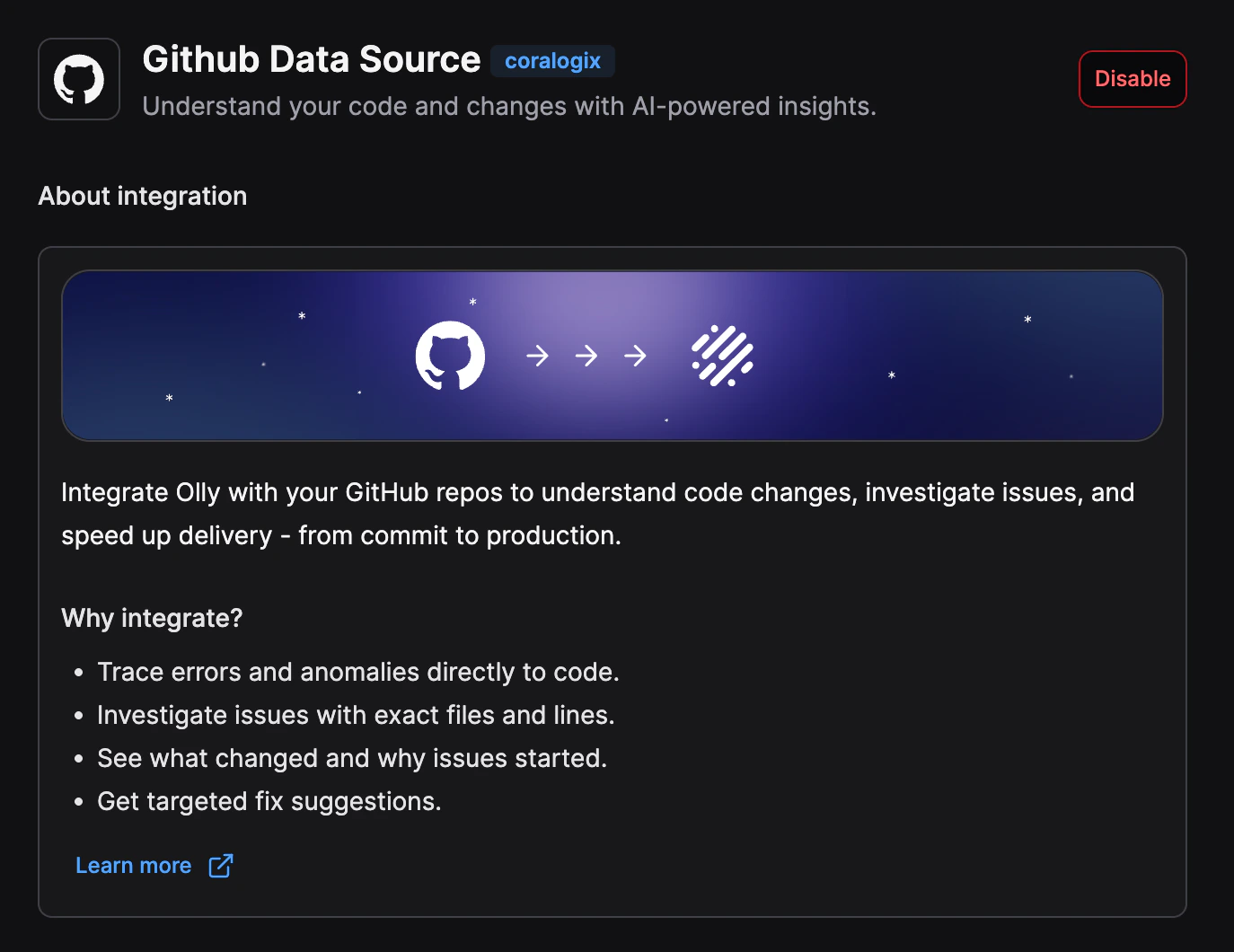
How repository access works
When the Olly GitHub app is installed:- The app automatically receives access to all public repositories in the organization.
- It also receives access to any private repositories for which the installing user has sufficient permissions (for example, if they are an admin or owner of that repository).
Managing repository permissions
Repository access can be managed after installation.- Repository admins or owners can grant additional access to the Olly app.
- In the chat repository dropdown, selecting Configure Access redirects to GitHub.
- From GitHub, users can authorize the Olly app for any repositories for which they have sufficient permissions.
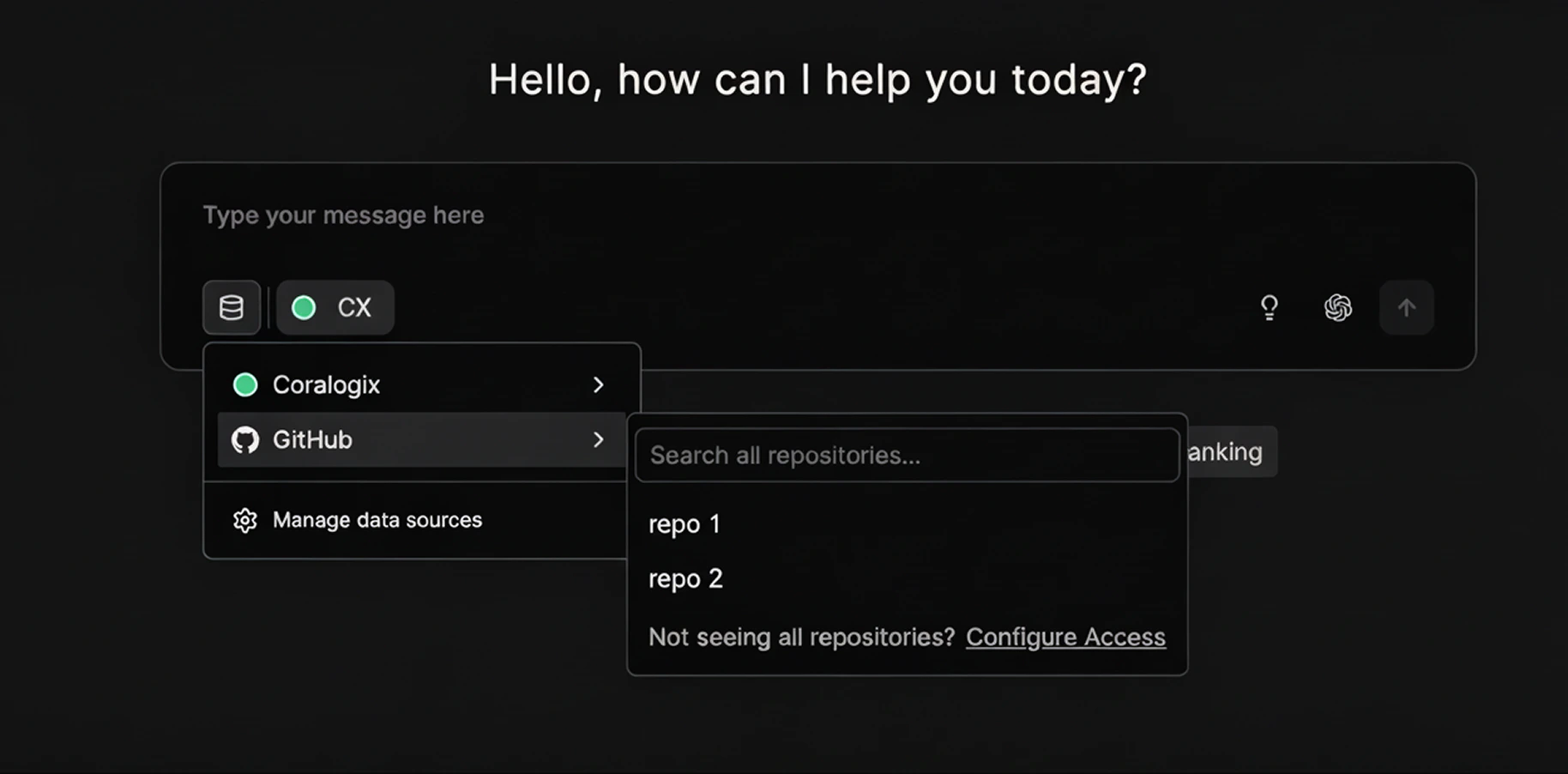
Access behavior
If you are not a GitHub organization owner:- The integration can still be created.
- You will have immediate access to the public repositories you’ve selected in the GitHub organization.
- Access to private repositories requires approval from a GitHub organization owner.
- The integration becomes fully active.
- Olly gains access according to the permissions granted.
- Users in the Olly organization can create GitHub data sources normally, including private repositories (subject to granted permissions).