Documentation Index
Fetch the complete documentation index at: https://docs.olly.new/llms.txt
Use this file to discover all available pages before exploring further.
February 26, 2026
🤖 GPT Focus mode upgrade to GPT-5.1
Olly now runs Focus mode with GPT-5.1 (previously GPT-o3) when GPT is selected as the model provider.This upgrade improves reasoning depth, consistency, and overall response quality during deeper investigations.February 17, 2026
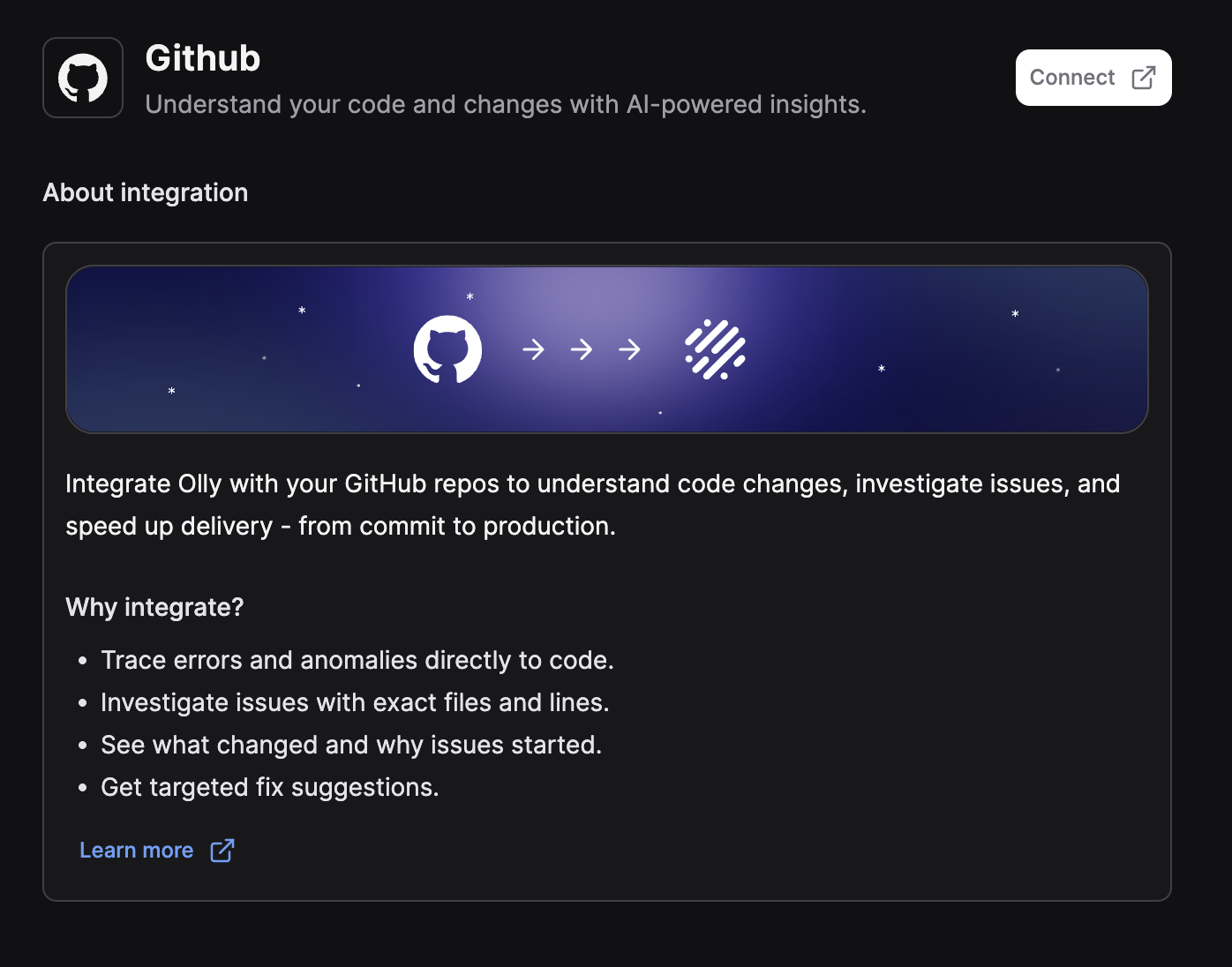
🚀 GitHub integration
Olly now supports GitHub integration, enabling code-aware investigations and root cause analysis directly from your repositories.With GitHub connected, Olly can:- Link logs, alerts, and incidents to the exact files and line ranges in your code.
- Analyze commits to identify regressions.
- Compare branches (for example, production vs. staging).
- Provide targeted, code-level fix suggestions.
January 2026
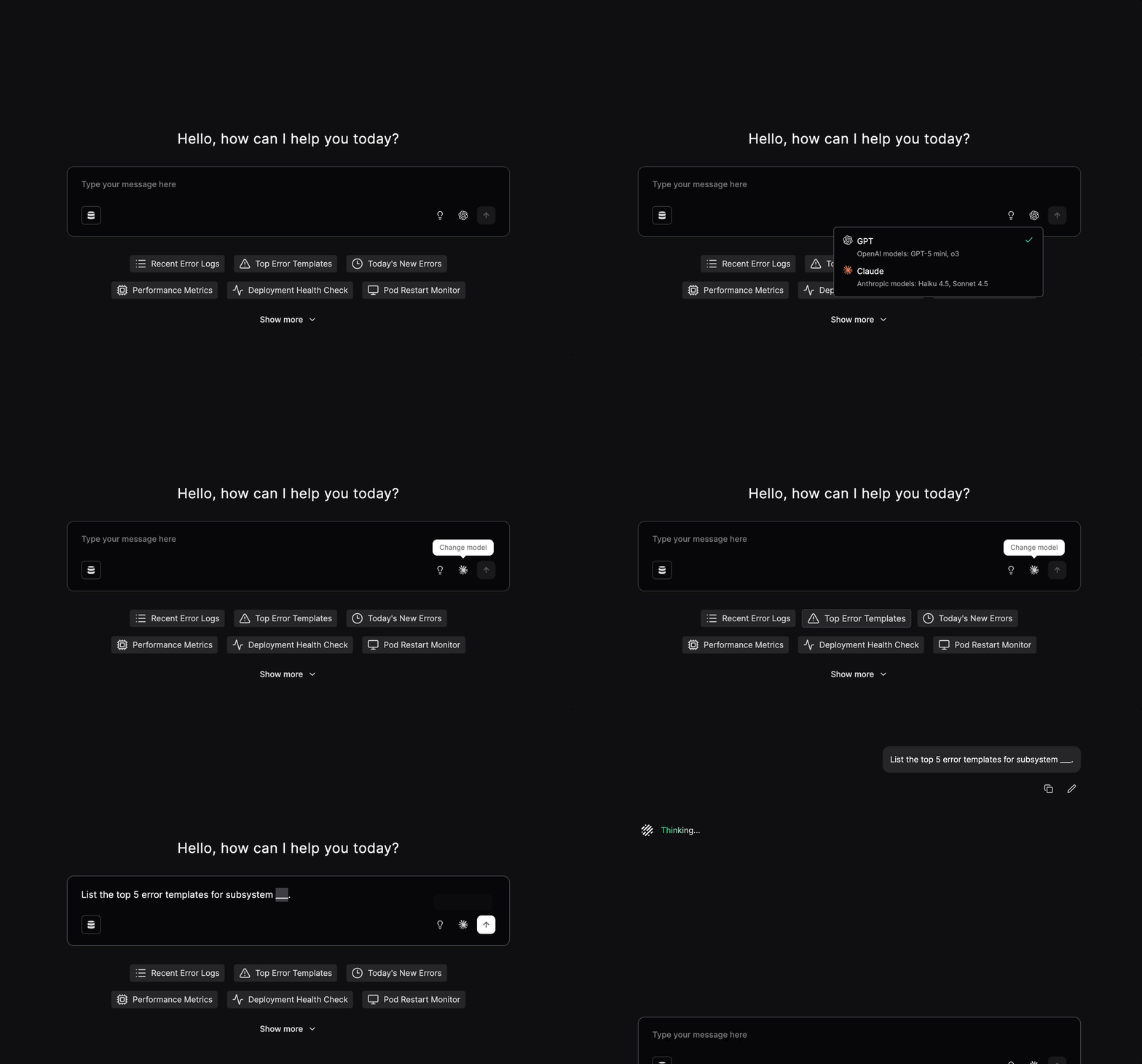
🤖 Model provider selection (Claude support)
Olly now supports Claude as an additional AI model provider, alongside GPT.You can choose the provider that best matches your preferred tone and reasoning style:- Claude: Clear, structured responses with a strong analytical approach.
-
GPT: Flexible reasoning with a familiar conversational style.
💬 Olly ↔ Slack user alignment
Olly is now better aligned with Slack users, making collaboration smoother and more predictable.This improvement ensures:- Slack messages are correctly associated with the matching Olly user.
- Permissions and usage are applied consistently across Slack and Olly.
📊 Dynamic tables CSV export
Olly now supports CSV export for table artifacts, making it easy to download structured results for analysis, reporting, or sharing in external tools.📱 Mobile support
Olly is now available on mobile, bringing the same investigation and troubleshooting capabilities to your phone.You can ask questions, review past conversations, and continue investigations on the go, making it easier to access insights whenever and wherever you need them.
December 2025
🎉 Olly is now generally available (GA)
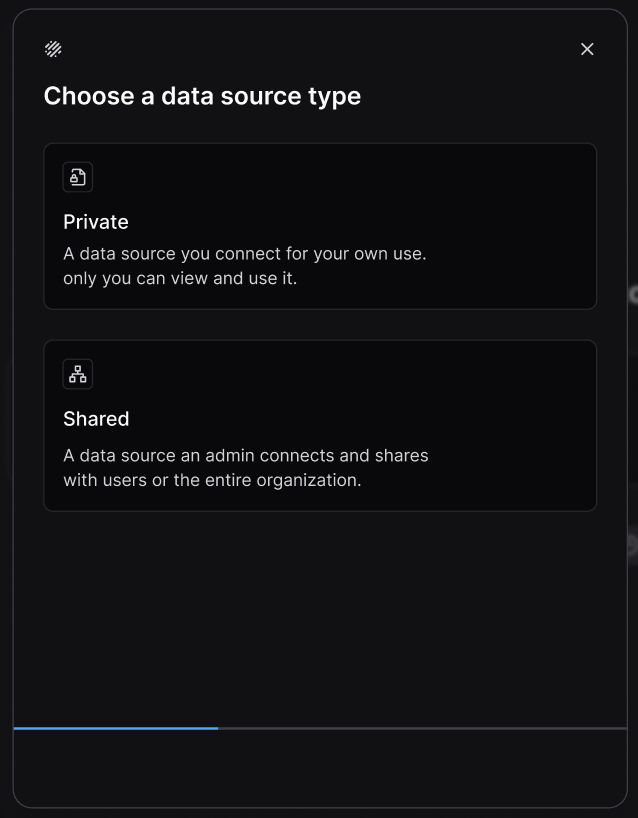
Olly is production-ready and can be used in day-to-day observability workflows. It is available for all eligible users, with a stable feature set, improved reliability, and ongoing support.🔗 Data sources
Data sources let you connect Olly to Coralogix data by defining the team, auth method (API key or OAuth), and who can use it.Why this matters:- Better, scoped answers: Olly queries only the data you approve
-
Control you can scale: Manage access cleanly across teams and environments
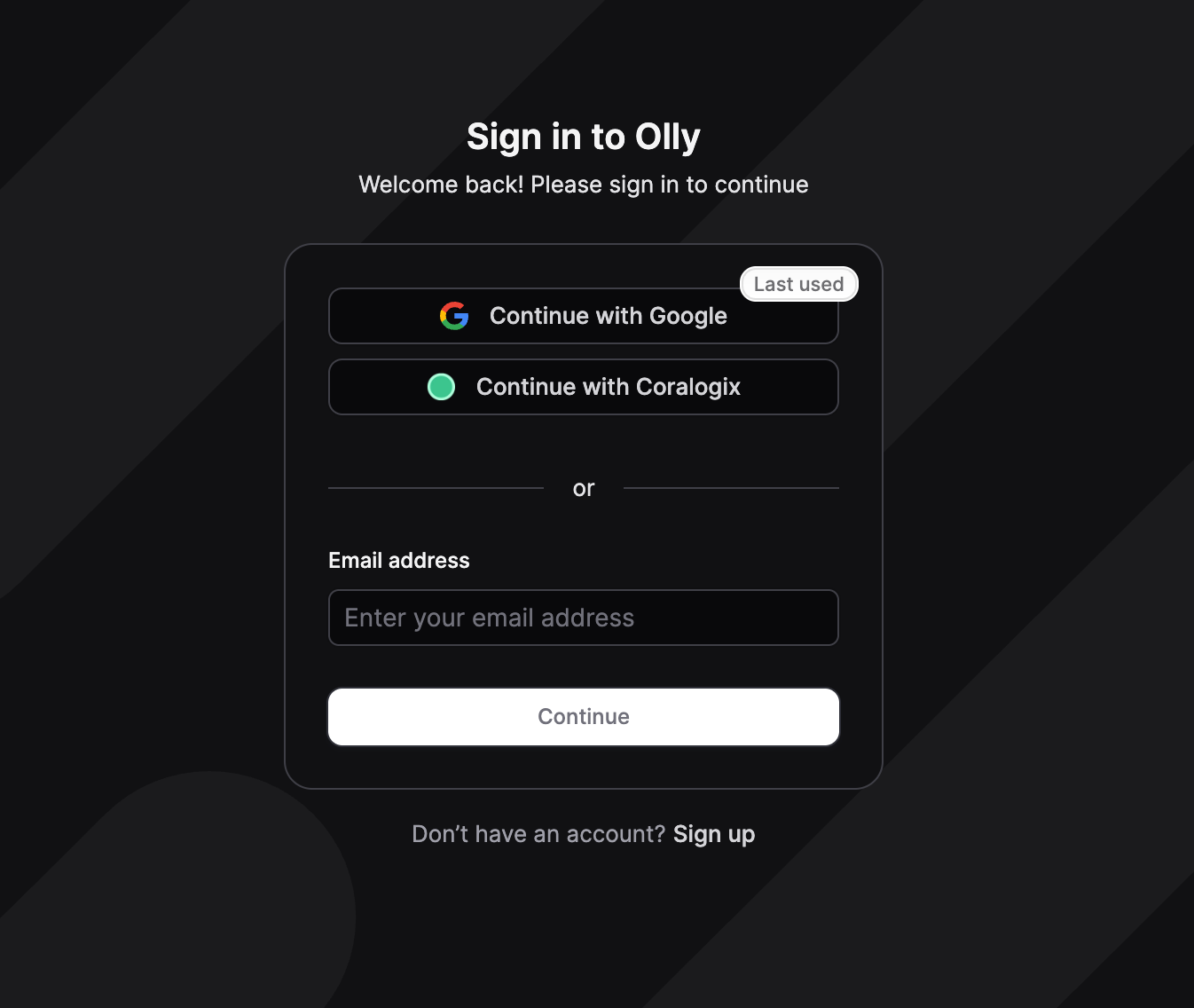
🔐 Sign in with Coralogix
You can now sign in to Olly using your Coralogix account, with permissions and access fully aligned to Coralogix.This secure, one-click sign-in:- Automatically connects Olly to the Coralogix teams and data sources you already have permission to access
- Enforces the same user roles and access controls defined in Coralogix
- Removes the need to manage separate credentials or API keys
⌘ Enhanced search functionality
The search experience just got more powerful.Previously, search results were limited to conversation titles. Now, Ctrl+K (Windows) or Command+K (macOS) searches across the full content of past conversations, including:- Questions you asked Olly
- Answers and explanations provided by Olly
November 2025
⚙️ User rules
Personalize how Olly works for you with custom user rules.Add preferences or context – like response style, key workflows, or data patterns – so Olly can better understand your environment and deliver more accurate insights.🗣️ Feedback for Olly
You can now share direct feedback on Olly’s responses to help improve accuracy and experience. Mark any answer as helpful or unhelpful, choose what went wrong, and optionally add a short comment for more context.Your feedback helps us fine-tune Olly’s reasoning and response quality over time!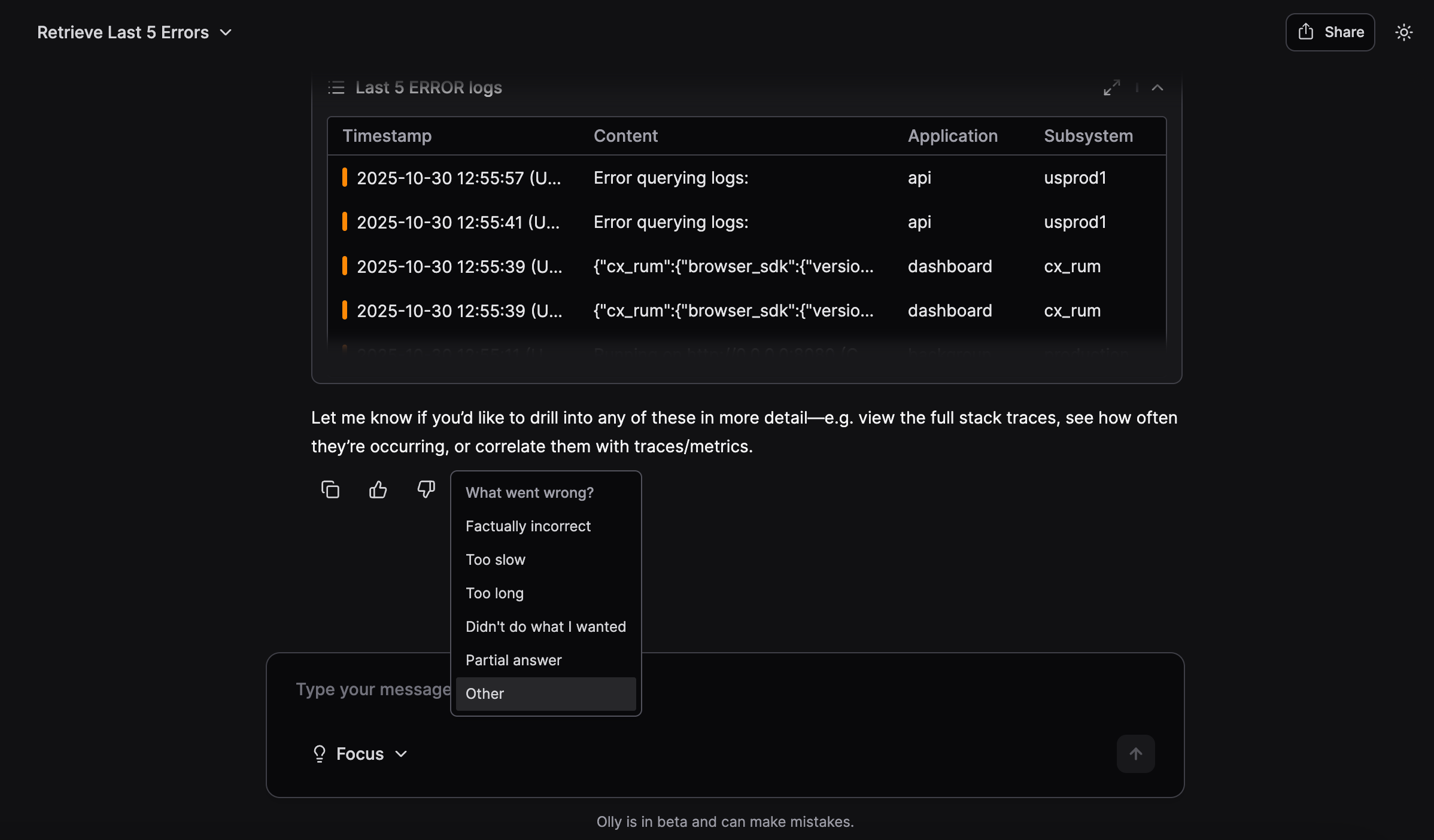
📊 Ask Olly about your dashboards
You can now give Olly any Coralogix dashboard link and get instant insights.Share any dashboard URL to get summaries of anomalies, spot unusual spikes or drops, or ask about root causes – like which service contributed to a latency event – all without digging through panels.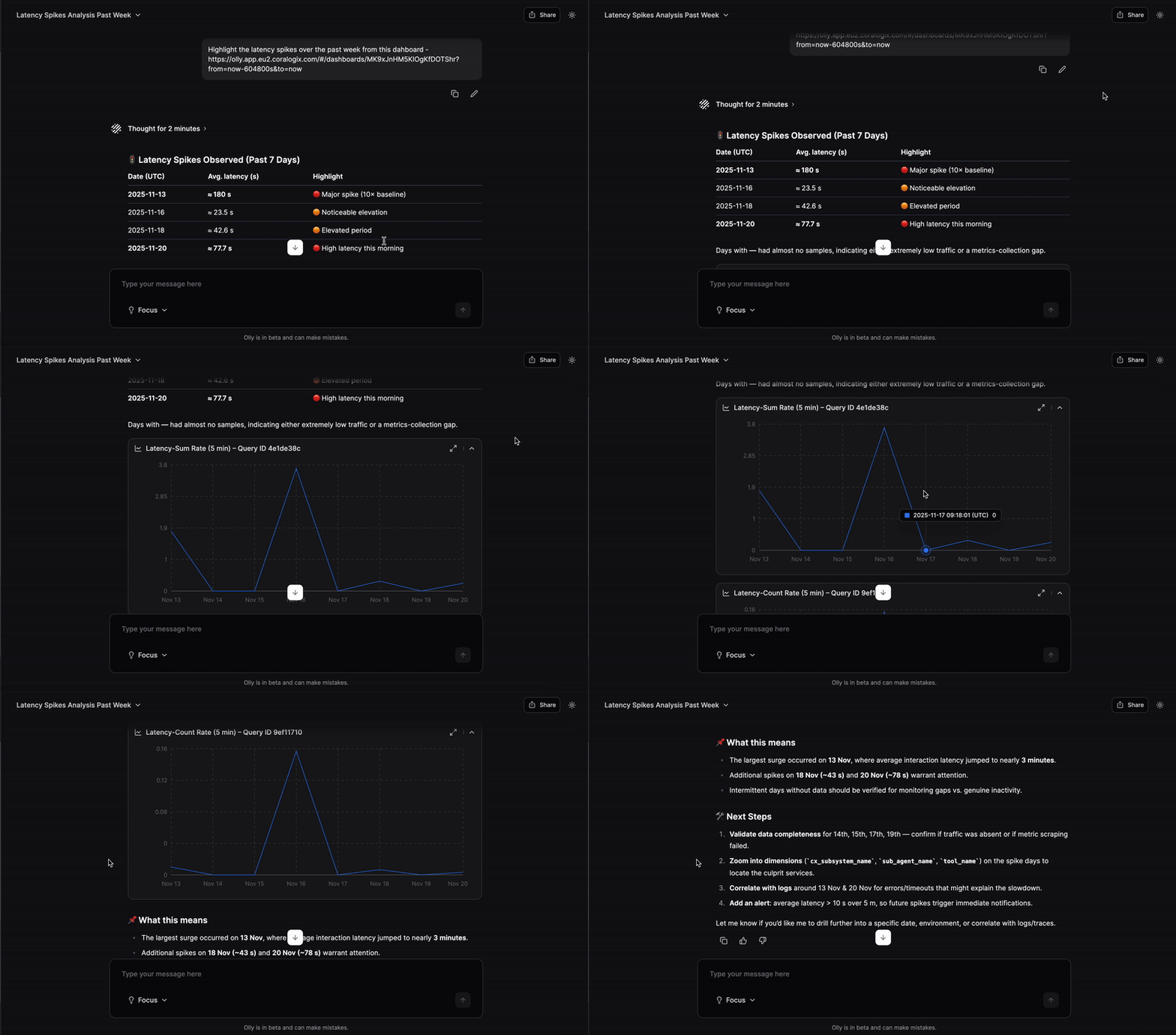
October 2025
💬 Slack integration
Olly is now available directly in Slack, bringing intelligent insights and context into your team’s daily workflows. Mention your region-specific handle (e.g., @Olly-EU2) in channels or DMs to get threaded answers and linked artifacts without leaving Slack.This integration helps teams collaborate seamlessly, and act on insights faster.
✨ Fast mode
Olly now supports two powerful modes to match your workflow. Fast Mode delivers responses at lightning speed, helping you get quick answers and act instantly when time matters most. For deeper analysis and richer context, switch to Focus Mode, which provides detailed, in-depth insights.Effortlessly toggle between modes to balance speed and depth – get exactly what you need, when you need it.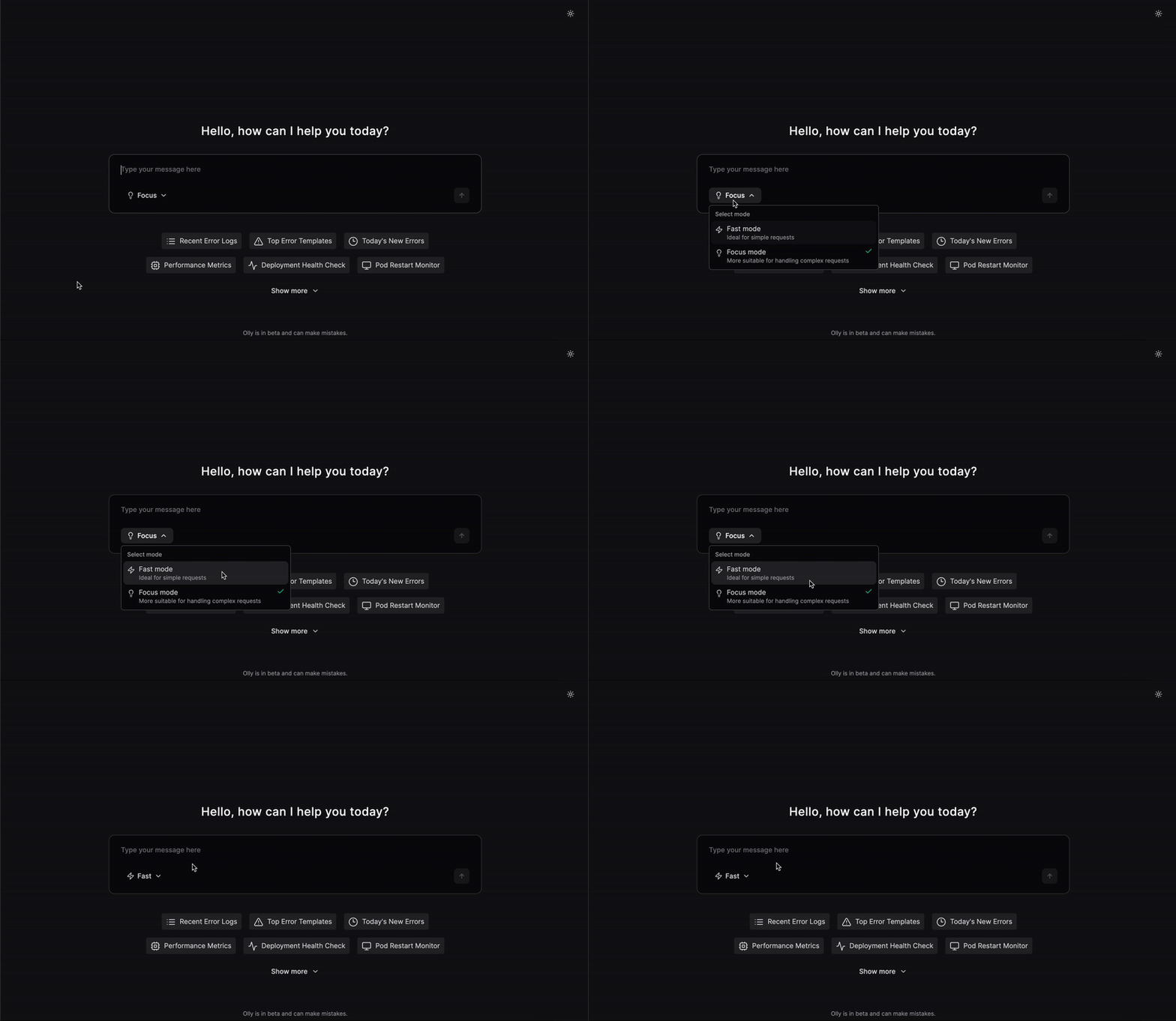
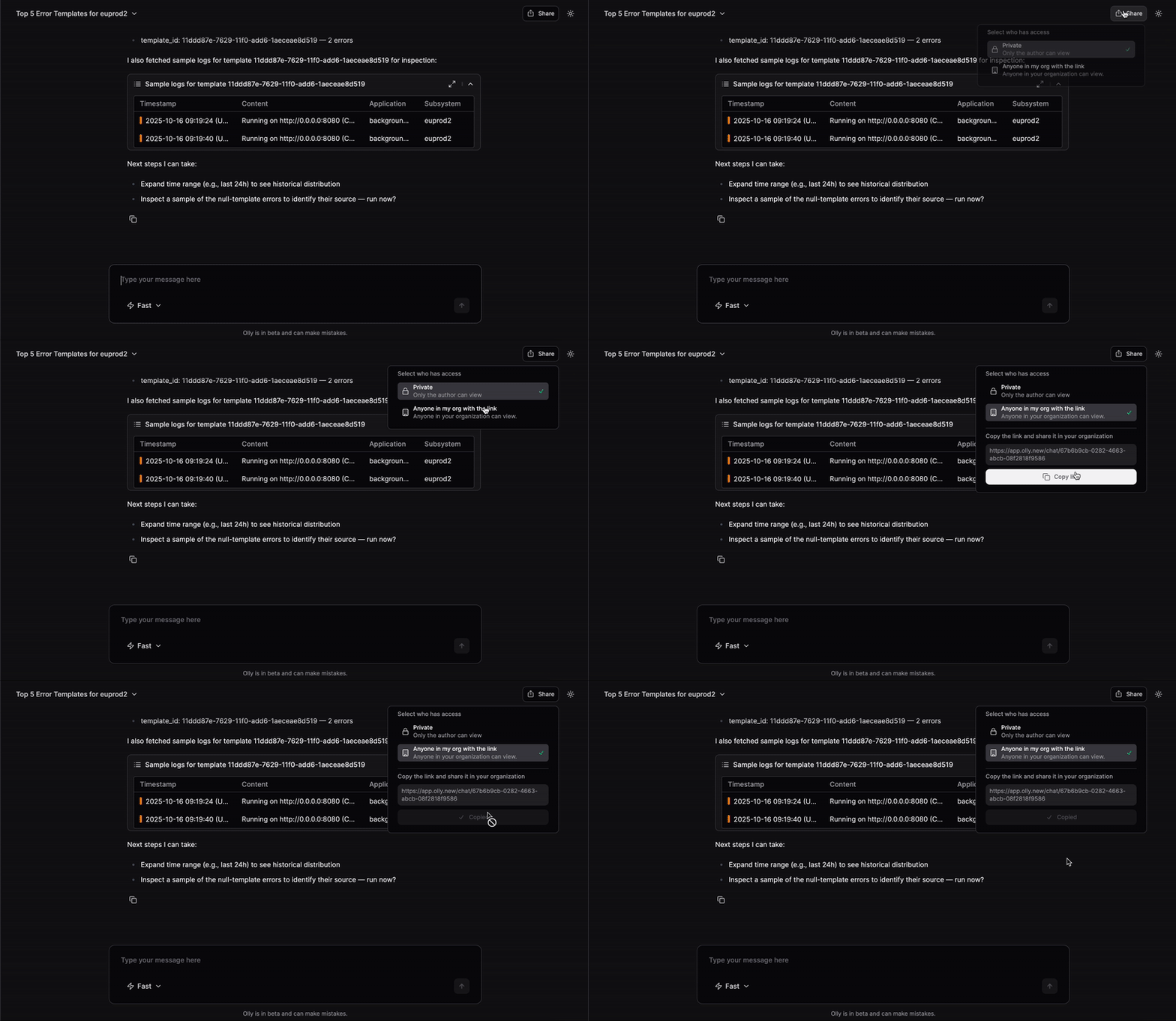
🔗 Chat sharing
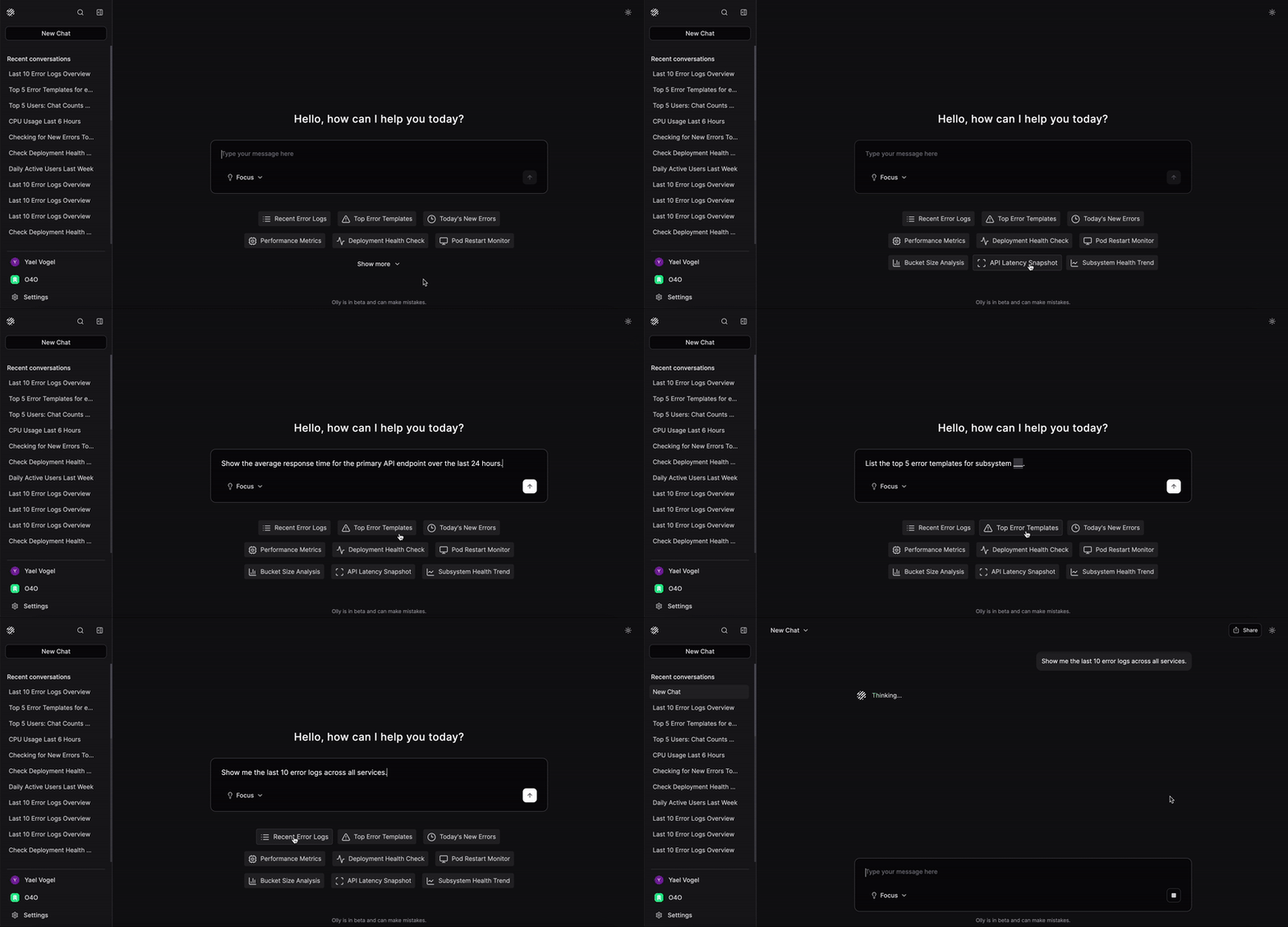
Share Olly sessions and insights with your team using shareable links – making collaboration fast and effortless.- You can toggle sharing on or off at any time.
-
Shared chats are view-only for others.
🧩 Artifact previews
You can now see artifact previews directly in Olly’s responses – including logs, traces, metrics, alerts and charts.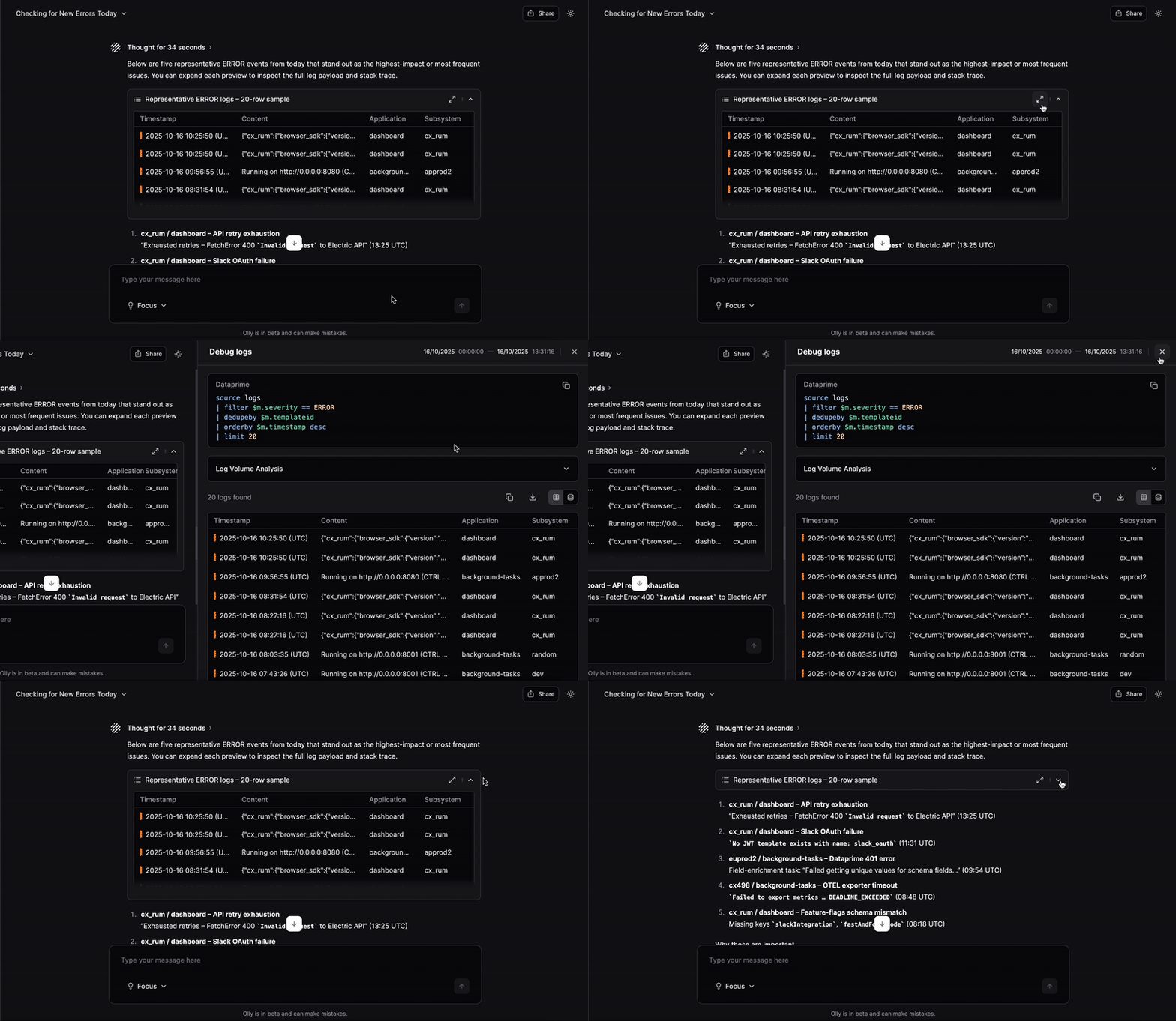
🗑️ Chat deletion
You can now easily delete chat titles using the new chat deletion feature.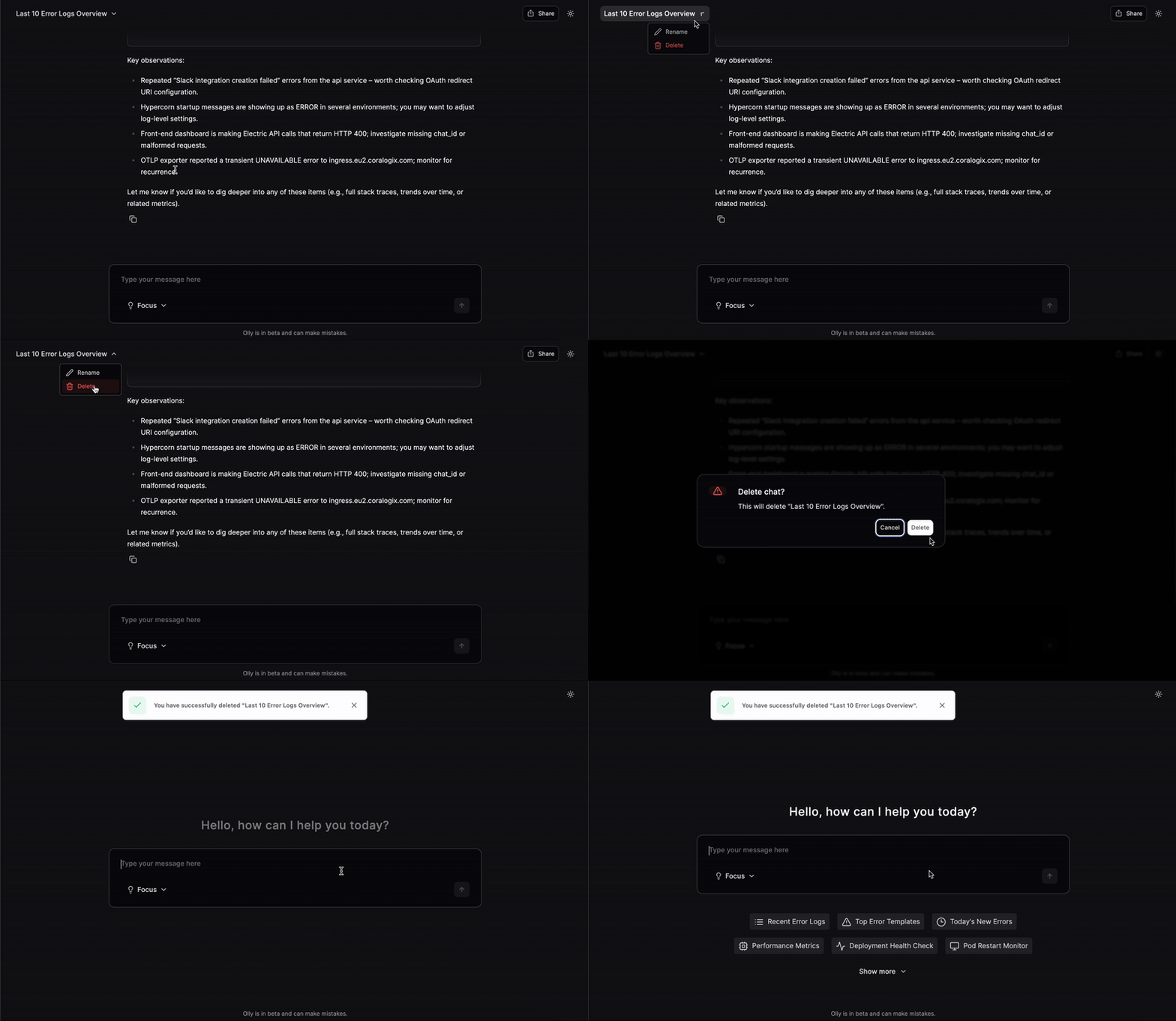
✏️ Message editing
Easily edit your prompts and get an updated response – no need to start a new chat.⚡ Access to alerts
Olly now has access to your Coralogix alerts and incidents, in addition to logs, metrics, and traces. Ask natural questions to get linked answers with context and suggested next steps.Try asking:- What’s my most recent alert?
- What is the root cause of this alert?
- Why was an alert triggered at 00:05 on Sunday?
- I see this error. What alert would you suggest I set up to monitor this?
- Give me a list of all of the alerts I have set up for this environment.
📋 Prompt templates
Get started faster with ready-made prompt templates. Select a template, and Olly will fill in a suggested prompt you can modify and run. Templates cover common onboarding and troubleshooting flows, helping you move from question to insight more quickly.